Sales
Signature Capture
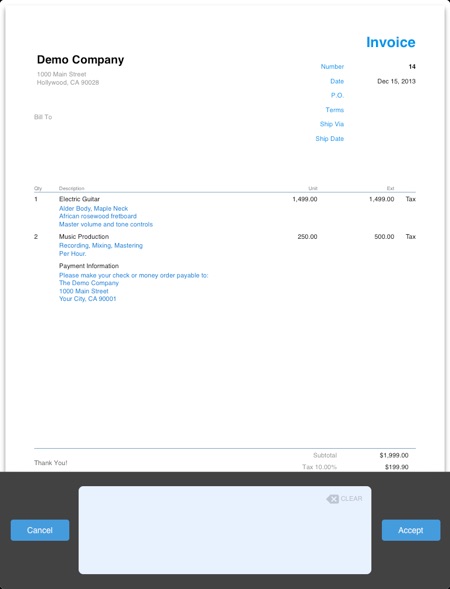
- Open or create the invoice, quote, estimate or work order
- Tap the Sign button
- Sign on the iPad screen using the finger or a capacitive stylus pen
- Tap Accept.
To clear the signature tap the Clear symbol located inside the signature panel.