Sales
Emailing an Invoice, Estimate, Quote or Work Order
- Open or create a new sales document (invoice, estimate, etc.)
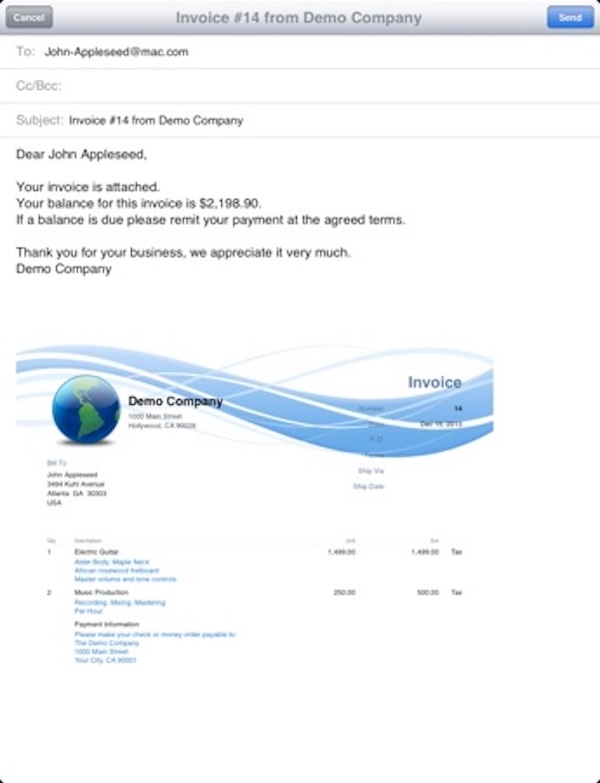
- Tap the E-Mail button. The email preview will appear. To change the default invoice format (HTML, PDF or Receipt) go to Settings and change the Invoice Format option.
- Tap on the To: field and enter the destination email address
- The Cc/Bcc: fields are optional and are used to send a ‘carbon copy’ (cc) or a ‘blind carbon copy’ (bcc) to another email address
- If you have more that one email address configured on your iPad, verify that the From: field is showing the correct email address that you want to use for sending the emails.
To select another email account tap on the From: field and a selection box will appear.
To change the default email address used for sending emails, open the iPad Settings app and change the default sending address configured in the email address configuration.
To send the email tap the Send button.